

4K Wallpapers: Stunning Images for Your Screen
In today’s digital age, our desktops and laptop screens have become extensions of our personalities. A visually appealing wallpaper can significantly enhance our computing experience, making it more enjoyable and inspiring. With the advent of 4K resolution, the demand for high-quality, detailed wallpapers has surged. This article explores the world of 4K wallpapers, covering their benefits, where to find them, and tips for choosing the perfect image for your device.
The shift towards 4K displays has revolutionized the way we view digital content. 4K, or Ultra High Definition (UHD), boasts four times the resolution of Full HD (1920×1080), resulting in incredibly sharp and detailed images. This makes 4K wallpapers a fantastic way to showcase the capabilities of your display and enjoy a truly immersive visual experience.
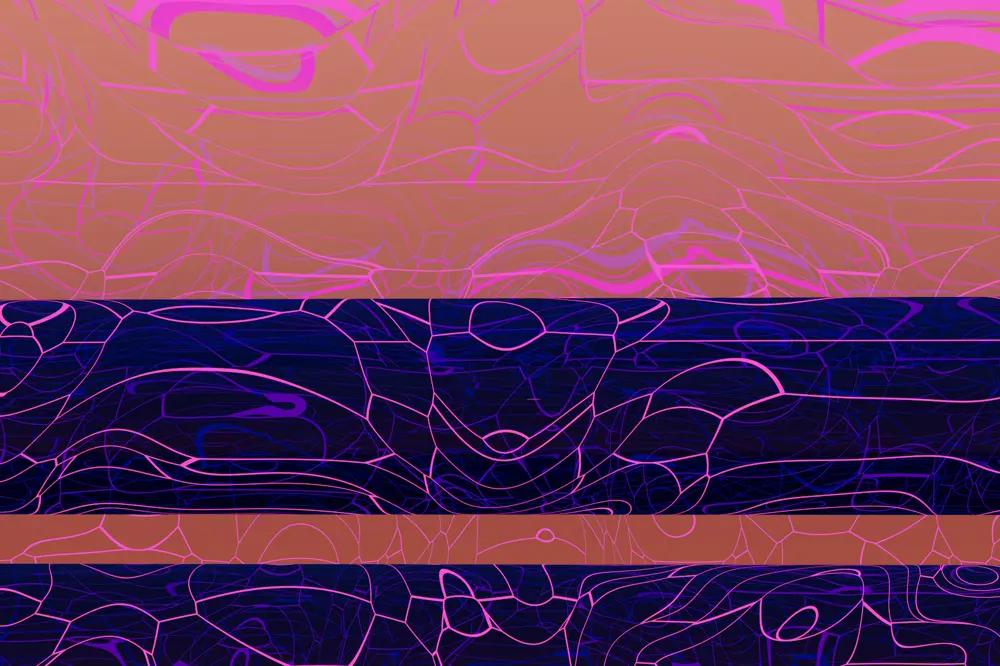
Why Choose 4K Wallpapers?
There are several compelling reasons to opt for 4K wallpapers. Firstly, the increased resolution ensures that images appear crisp and clear, even on larger screens. This eliminates the pixelation and blurriness often associated with lower-resolution images stretched to fit a 4K display. Secondly, 4K wallpapers offer a greater level of detail, allowing you to appreciate the intricacies of the image. Whether it’s a breathtaking landscape, a vibrant abstract design, or a detailed portrait, a 4K wallpaper brings the image to life.
Beyond aesthetics, using a high-resolution wallpaper can also contribute to a more comfortable viewing experience. Lower-resolution images can strain your eyes as they struggle to render the details, while 4K wallpapers provide a smooth and clear visual experience. If you’re looking to refresh your desktop’s look, consider exploring desktop customization options.

Where to Find High-Quality 4K Wallpapers
Fortunately, finding stunning 4K wallpapers is easier than ever. Numerous websites and platforms offer a vast collection of images to choose from. Here are some popular options:
- Unsplash: A well-known source for free, high-resolution photos, including a dedicated 4K wallpaper section.
- Pexels: Similar to Unsplash, Pexels offers a wide range of free stock photos and wallpapers in 4K resolution.
- Pixabay: Another excellent resource for free images, including 4K wallpapers covering various categories.
- Wallhaven: A community-driven platform specializing in high-quality wallpapers, with a strong focus on 4K resolution.
- Desktop Background: Offers a curated selection of 4K wallpapers, categorized for easy browsing.
Many of these platforms allow you to search for wallpapers based on keywords, categories, and color schemes, making it easy to find the perfect image to match your preferences. Some also offer features like daily wallpaper updates and the ability to create collections.

Choosing the Right 4K Wallpaper
With so many options available, selecting the right 4K wallpaper can feel overwhelming. Here are a few tips to help you make the best choice:
- Consider Your Screen Size: Larger screens benefit from more detailed wallpapers, while smaller screens may not require as much detail.
- Match Your Aesthetic: Choose a wallpaper that complements your overall desktop theme and personal style.
- Think About Color Schemes: Select colors that are easy on the eyes and don’t clash with your icons or windows.
- Avoid Distracting Images: While a visually appealing wallpaper is great, avoid images that are too busy or distracting, as they can interfere with your workflow.
- Check the Image Quality: Ensure that the wallpaper is genuinely 4K resolution (3840×2160 pixels) to avoid pixelation.
Experiment with different wallpapers until you find one that you truly enjoy. Don’t be afraid to change your wallpaper regularly to keep your desktop feeling fresh and inspiring. You might also find inspiration by looking at themes available for your operating system.

Optimizing 4K Wallpapers for Performance
While 4K wallpapers look stunning, they can sometimes impact system performance, especially on older or less powerful computers. Here are a few tips to optimize your wallpaper for performance:
- Choose Simpler Images: Complex images with lots of detail require more processing power.
- Reduce Wallpaper Brightness: Lowering the brightness can reduce the strain on your graphics card.
- Use Static Wallpapers: Animated wallpapers consume more resources than static images.
- Close Unnecessary Applications: Freeing up system resources can improve wallpaper performance.
If you’re experiencing performance issues, consider using a lower-resolution wallpaper or simplifying your desktop setup. A clean and efficient desktop can significantly improve your overall computing experience.

The Future of 4K Wallpapers
As display technology continues to evolve, we can expect to see even higher resolutions and more immersive wallpaper experiences. 8K wallpapers are already emerging, offering an even greater level of detail and clarity. Furthermore, advancements in dynamic wallpapers and interactive backgrounds will likely blur the lines between wallpaper and operating system, creating a more personalized and engaging desktop environment. The possibilities are endless, and the future of 4K wallpapers looks incredibly bright.
Frequently Asked Questions
-
What is the ideal resolution for a 4K wallpaper?
The standard resolution for a 4K wallpaper is 3840×2160 pixels. This ensures that the image is displayed with maximum clarity and detail on a 4K screen. Using a lower resolution image will result in pixelation or stretching.
-
Are 4K wallpapers safe to download?
Generally, yes, but it’s crucial to download wallpapers from reputable sources like Unsplash, Pexels, or Pixabay. Avoid downloading from suspicious websites that may contain malware or viruses. Always scan downloaded files with an antivirus program.
-
Can I use a 4K wallpaper on a non-4K screen?
Yes, you can, but the image will be downscaled to fit your screen’s resolution. While it won’t display in full 4K detail, a high-quality image will still look better than a low-resolution one. However, there’s no benefit to using a 4K wallpaper on a non-4K screen.
-
How do I set a 4K wallpaper on Windows 10/11?
Right-click on your desktop, select “Personalize,” then choose “Background.” Under “Background,” select “Picture” and browse to the location of your 4K wallpaper. Choose a fit option like “Fill,” “Fit,” “Stretch,” “Tile,” or “Center” to adjust how the image is displayed.
-
What file formats are best for 4K wallpapers?
JPEG and PNG are the most common file formats for 4K wallpapers. JPEG offers good compression and is suitable for photographs, while PNG is better for images with sharp lines and text. Both formats are widely supported by operating systems and image viewers.
Related posts:

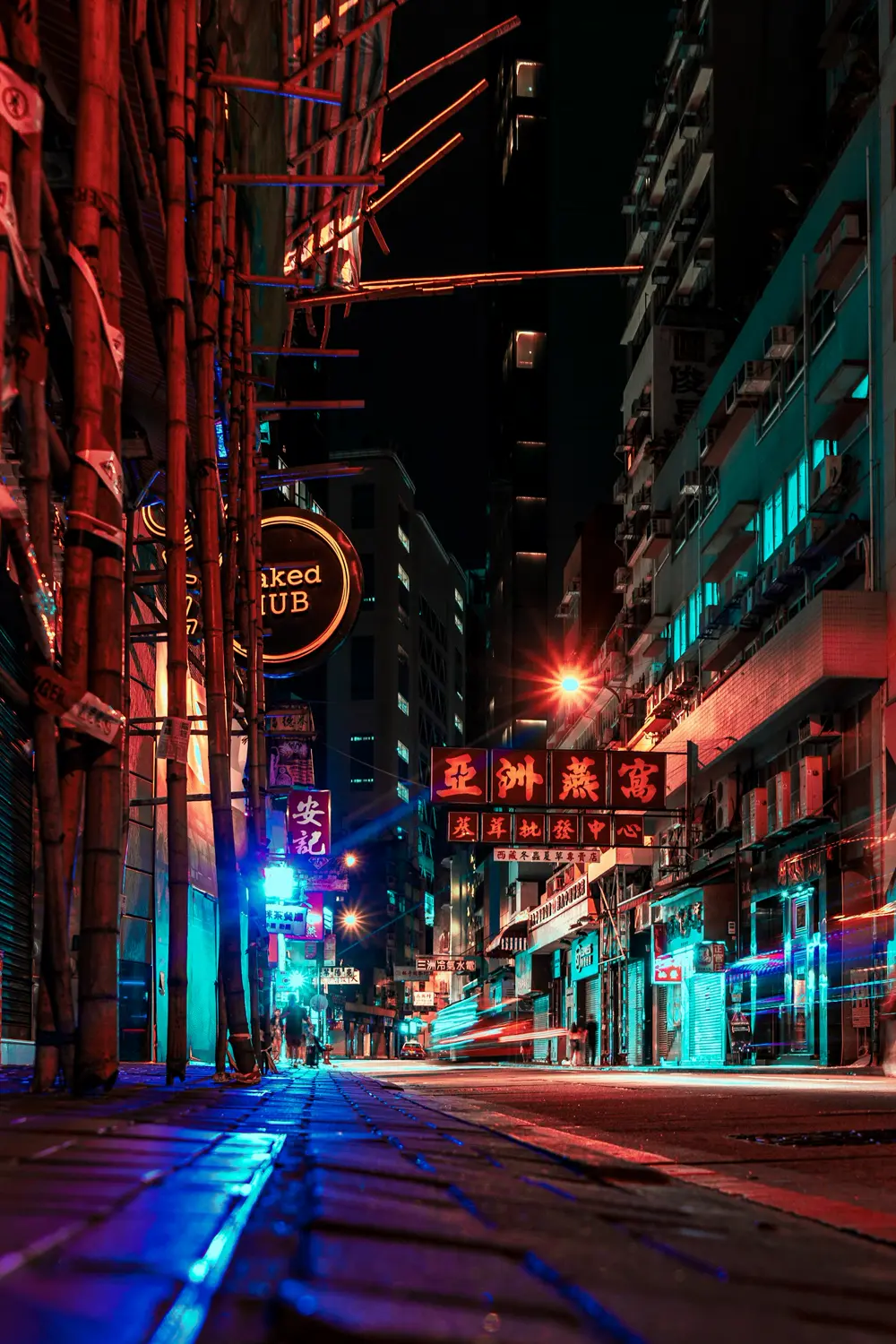

If these hit the mark, 4K Wallpapers for MacBook & iMac: Stunning Visuals keeps the streak going with more 4k-wallpapers picks.
Bookmark this collection so your next wallpaper swap is one click away.
